Audiovisual design,
installation & support.
E1 designs and installs the displays, microphones, cameras, speakers, and control systems used in commercial spaces.
We bring equipment, programming, installation, commissioning, and user training together for new systems and room upgrades.
Explore the systems and services below ↓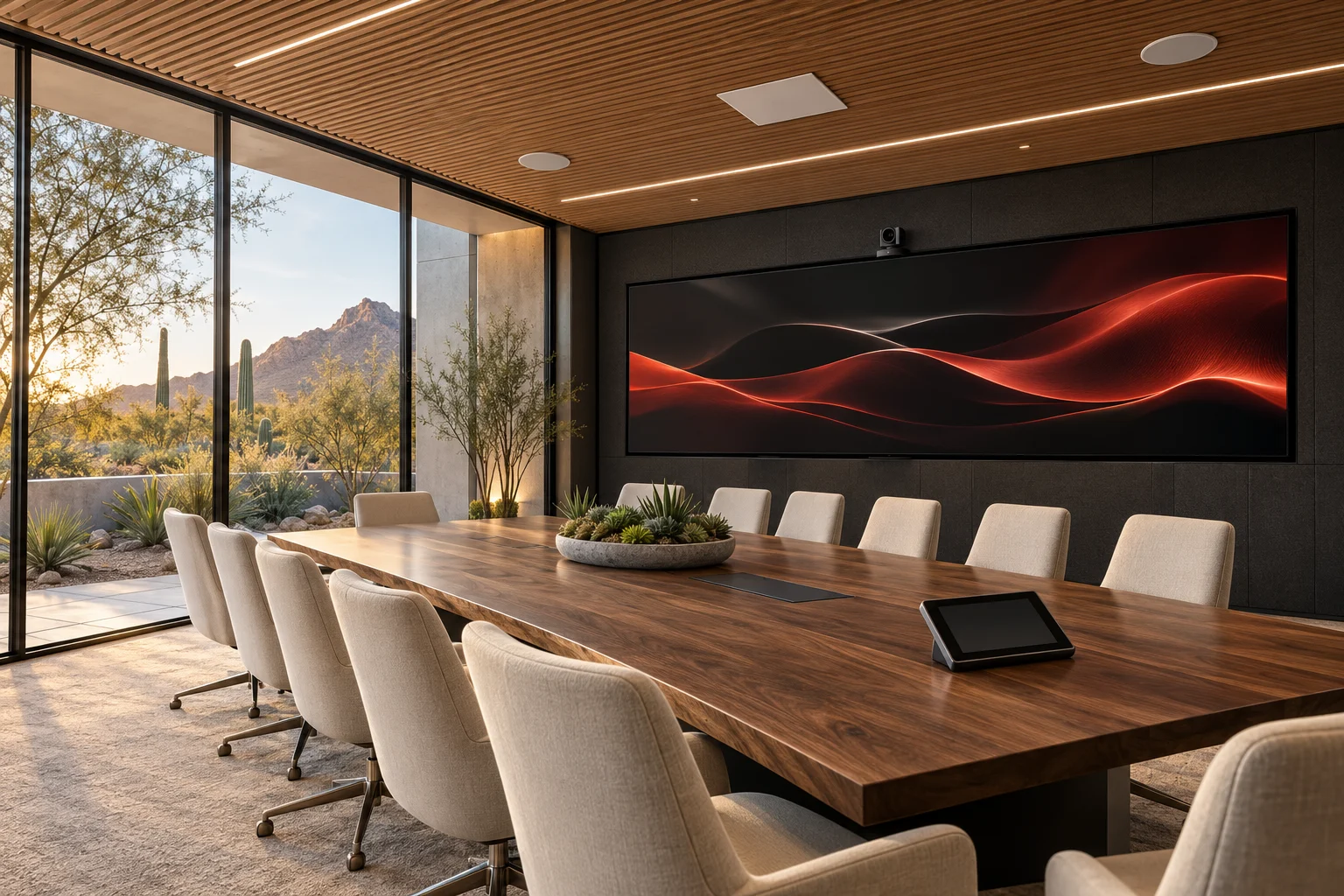
See what the room’s audio, video, and control systems do—and how E1 connects them.
*Experience figures published by E1 Audiovisual Technologies.
We handle your AV system,
from design through support.
You need the right equipment, installed correctly, with controls your team understands. E1 brings the design, installation, programming, testing, and training together.
Define what the room needs to do.
We work through the room’s purpose, seating, presentation sources, and conferencing requirements. That informs the displays, microphones, cameras, speakers, signal routing, and control system.
- Equipment selection and system design
- Audio, video, and control connections
- Requirements coordinated before installation
AV systems for the spaces
your organization uses.
Conference rooms need clear calls and simple presentation. Classrooms need people to see and hear the lesson. Public meeting rooms need to serve the room and remote participants. Explore the equipment and workflows for each.
Conference rooms and
video conferencing
Connect room cameras, microphones, speakers, and displays to Teams or Zoom. Add laptop presentation and room controls so staff can move between a call and a local meeting.
Explore corporate AV ↗Selected AV installations
from E1’s project portfolio.
See the types of systems E1 has delivered: public meeting technology, LED displays, conferencing, control programming, and campus audio.
Explore the portfolio ↗Project names and scopes are from E1’s published portfolio. Room visuals are original concepts, not photographs of those installations.
See how we prepare, build,
and hand over your system.
Follow E1’s process through project kickoff, in-house equipment assembly, custom programming, commissioning, training, and ongoing resources. Scroll through the stages below.
Open the full guided tour ↗Control the room’s equipment
from one interface.
E1 programs touchpanels to operate the system’s displays, sources, microphones, speakers, and cameras. The interface follows the room’s uses: a video meeting, a local presentation, or shutting the system down.
Try the sample room controls. This is an interactive illustration, not a connection to a live room.
Discover our approach to integration ↗What’s on the agenda?
Explore an AV room layout
before discussing equipment.
Use the Room Builder to choose a room type and add displays, microphones, speakers, cameras, and controls. Share the concept with E1 as a starting point for design—not a final equipment specification.
Build your room ↗Plan a new AV system
or upgrade an existing room.
Tell us what the space is used for, what equipment is already there, and what needs to change. We can help you work through the audiovisual requirements.